 duckeye
Features
Everything duckeye for Android does, on your phone.
On this page: Share · Open · Read · Tables · Charts · Query · Live pages · AI · Export · Privacy
What it opens
Whatever you share, or open yourself: type an address, or pick a file on your phone.
Web pages
Read clean, without menus, side rails and footers.
Documents
Word, OpenDocument, EPUB, RTF, LaTeX, reStructuredText, Org, MediaWiki, Textile and Jupyter notebooks.
Data files
CSV, TSV, JSON, JSON Lines and Parquet.
Workbooks and databases
Excel (XLSX) sheets, and DuckDB and SQLite files, opened read-only. Pick a sheet or a table from a list.
Code
About 60 kinds of source file, as numbered lines that do not wrap.
Markdown and text
And a SQL table expression typed as the address.
PDF files are coming soon. When a site refuses duckeye, a browser view opens: sign in or pass the check there, and duckeye reads the page.
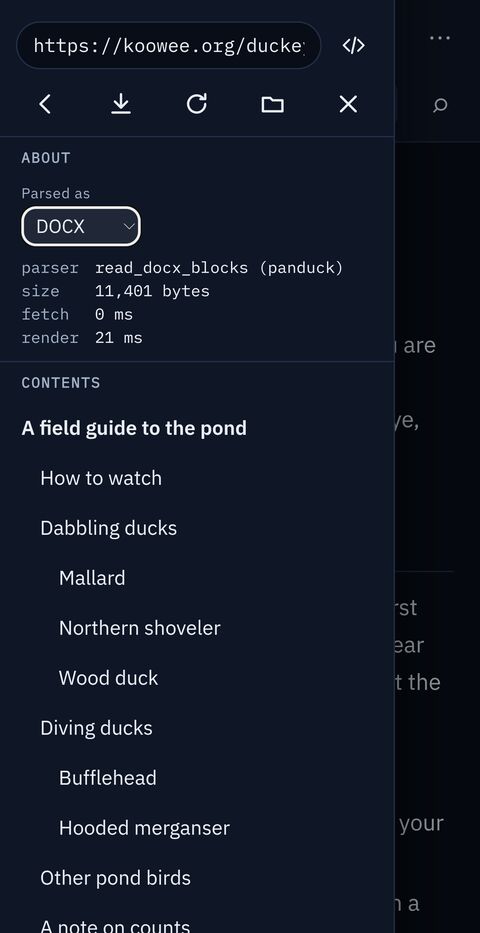
Read
- Reader drops a web page's header, menus, side rails and footer. Full keeps them, and Outline folds each section under its heading.
- Contents lists a document's headings. Tap one to go there.
- Find searches by text, by regular expression, or by CSS selector, such as
h2ora[href*=pdf]. In code,:120goes to line 120. - Pick a style and a light or dark theme, go full screen, or print.
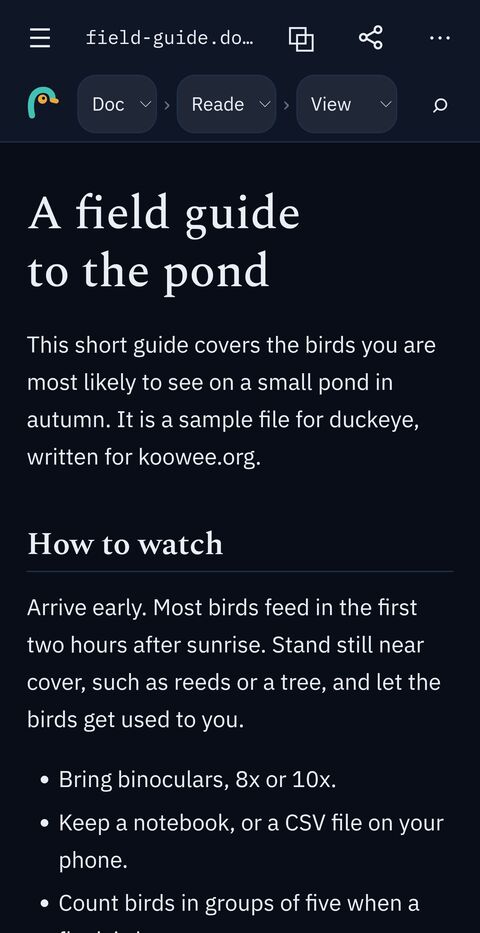
Every file is a table
A data file opens as rows and columns. A document opens as a table too, with one row for each heading, paragraph, list or table.
- Table, Columns (one row for each column), Cards (one card for each record) and Summary (a profile of each column).
- Each column gets a small bar chart. Tap a bar to filter by it.
- Choose how many rows to show: 100 to 100,000, or no limit.
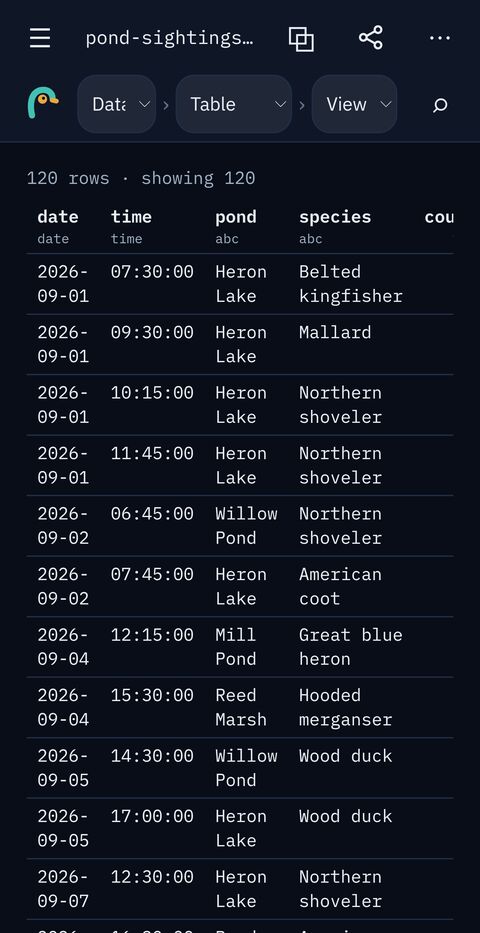
Charts
- Auto, Bar, Line, Scatter and Histogram, and Stats with one row for each column.
- Pick the x, y and colour columns. A date on x groups by day, week, month or year.
- Tap a chart to see it full screen, then pinch to zoom.
- Save a chart as SVG or as a Vega-Lite spec.
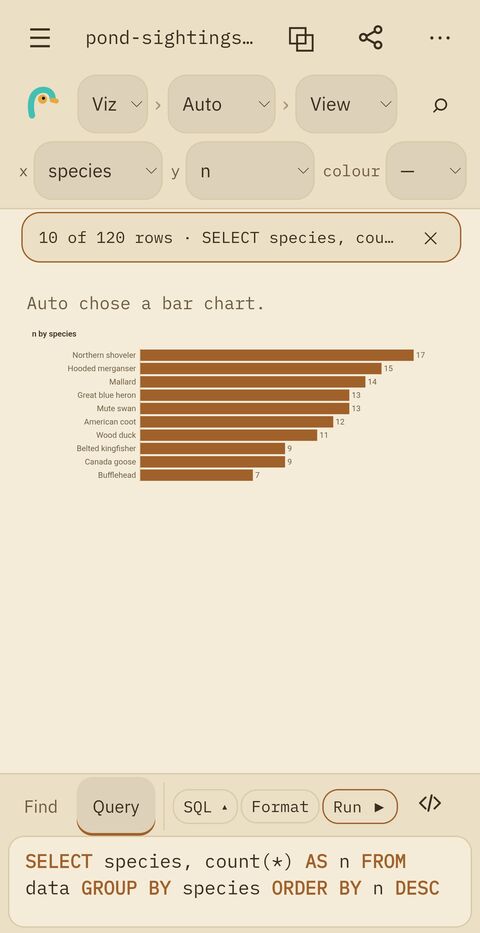
Query
- Type SQL over the open table, with autocomplete. Start from
SELECT * FROM data. - Or let the builder write it: Columns, Where, Group and Order.
- Tools: Clear, Format, or Reset to the whole table. Close the bar, and your draft waits for you.
- The result shows in every view: as a page, a table or a chart.
- In a database, join its tables:
FROM trips JOIN zones USING (zone).
Live pages and Extract
Source shows the live page as a browser does, with its own address bar and a lock that shows the certificate. Read brings the page into duckeye as it is now.
Extract opens part of the live page as a table: its Tables, Links, Images, Structured data (recipes, products, events) or Page info (title, description, share card).
For your AI
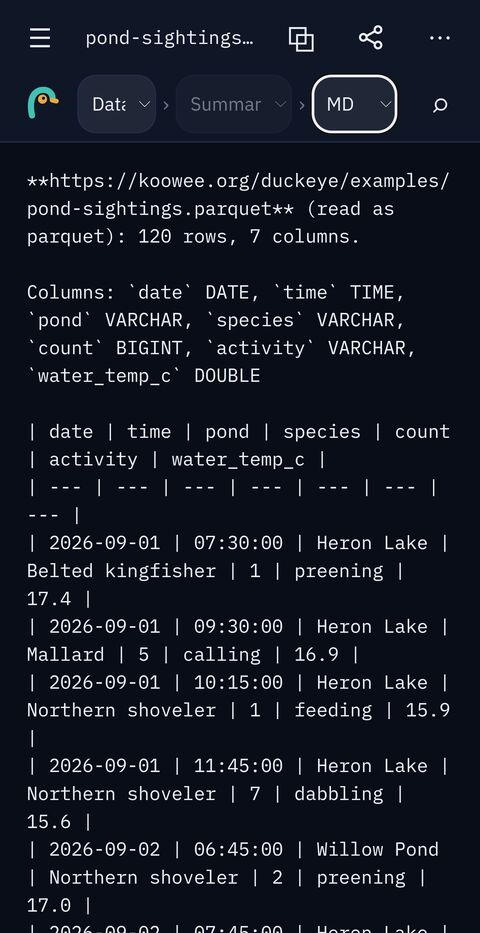
- Share any page as clean Markdown, for Claude, ChatGPT or your own agents.
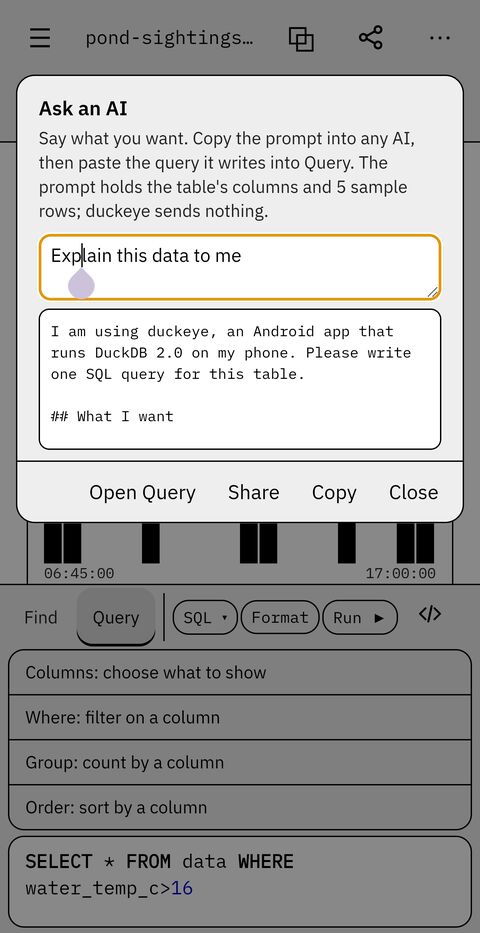
- Ask an AI writes a prompt about the open table: its columns, 5 sample rows and your goal. Paste it into any AI, then paste the query it writes back into Query. duckeye sends nothing itself.
Copy, save and share
| Mode | Formats |
|---|---|
| Doc | HTML, text, Markdown, and pandoc's JSON (the desktop's pandoc turns it into DOCX, ODT or LaTeX) |
| Data | CSV, JSON, YAML, and a Markdown table with a caption that names the source, the columns and the query |
| Viz | SVG and Vega-Lite |
Or open the file in another app, open the page in your browser, or print.
Private by design
Your files never leave your phone. No account, no ads, no analytics and no tracking. Clear browsing data removes the cookies of the browser view. Read the privacy policy.
duckeye runs DuckDB inside the app, with 19 extensions built in. Read about the approach.